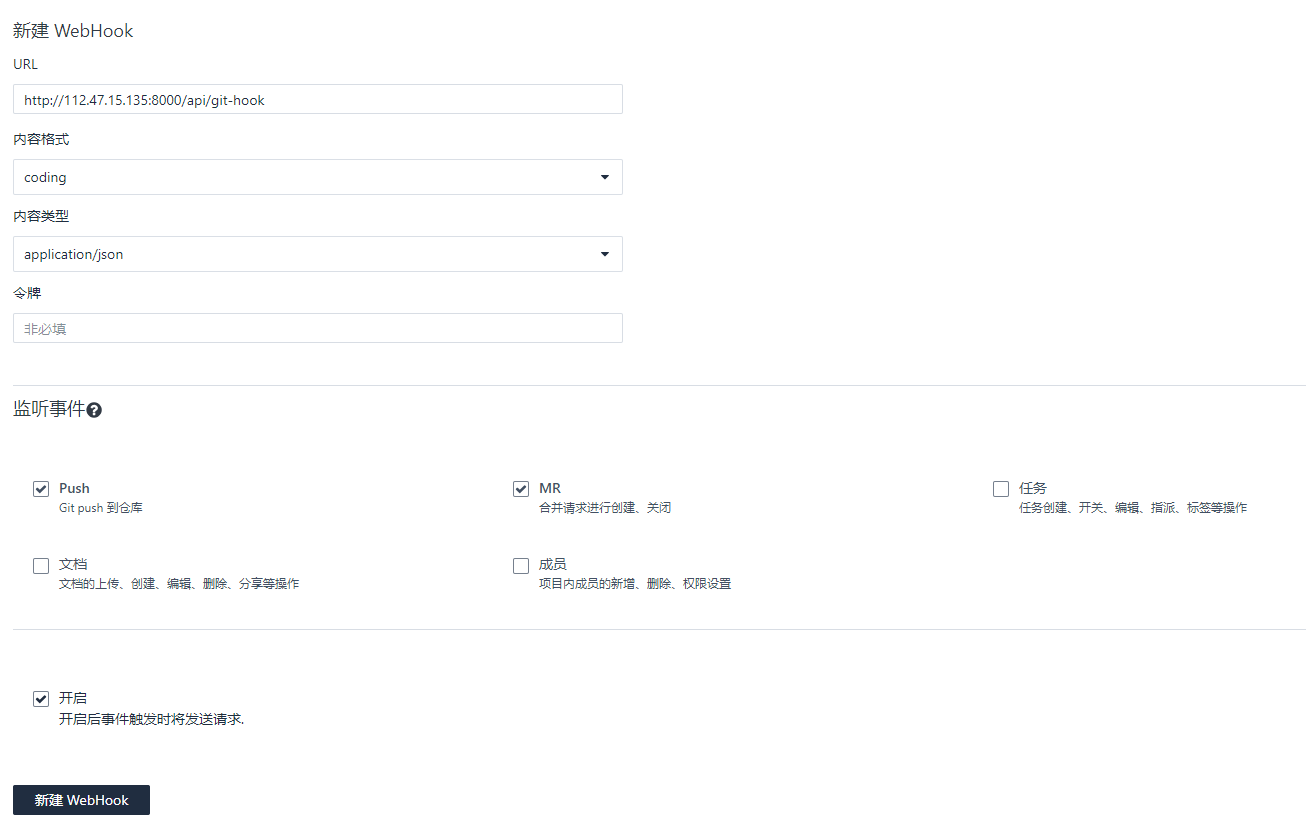
主要使用 openresty 的lua-resty-shell模块
openresty
安装
-
使用包管理器安装
-
编译安装 下载并解压
VERSION=1.13.6.2 wget https://openresty.org/download/openresty-$VERSION.tar.gz tar xzvf openresty-$VERSION.tar.gz cd openresty-$VERSION/
    安装

    ```bash

./configure -j2
make -j2
make install
建立软连接
```bash
ln -s $(pwd)/bin/openresty /sbin/openresty
## 启动

```bash
openresty
sockproc
sockproc 是一个服务器程序, 侦测unix socket 或者 tcp socket , 并把收到的命令,传递给子进程执行,执行完毕后,把结果返回给客户端, 我们就让sockproc 侦测/tmp/shell.sock 的套接口有没有数据到来.
安装
git clone https://github.com/juce/sockproc
cd sockproc
make
启动
./sockproc /tmp/shell.sock
chmod 0666 /tmp/shell.sock
lua-resty-shell
它是一个很小的库, 配合openresty 使用, 目的是提供类似于os.execute 或io.popen的功能, 唯一区别它是非阻塞的, 也就是说即使需要耗时很久的命令,你也可以使用它
安装
进入你的 openresty 安装目录
git clone https://github.com/juce/lua-resty-shell
cp lua-resty-shell/lib/resty/shell.lua ./lualib/resty/
书写需要执行的命令
可以声明为git webhook 每次访问进入到特定目录,执行 git pull 自动拉取最新的代码
vim ./lualib/gitpull.lua
local shell = require "resty.shell"
local args = {
     socket = "unix:/tmp/shell.sock"
}

local status, out, err = shell.execute("cd /project/ && git pull origin master", args)  --ls 是想调用的命令,
ngx.header.content_type = "text/plain"
ngx.say(out) -- 输出给nginx前端
配置openresty
添加一个location
进入到刚才安装的 openresty 目录,我的是:
/usr/local/openresty
修改 /usr/local/openresty/nginx/nginx.conf 在默认的server段中加入以下内容
location = /api/git-hook {
    content_by_lua_file /usr/local/openresty/lualib/gitpull.lua;
}
测试
openresty -s reload
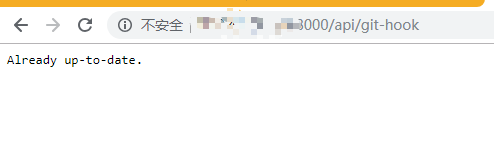
可选步骤 – 添加一个 webhook